


The complete Gauging record.
Connect the 3D gauging survey with photographs, cross sections, reports and certificates in one structured engineering environment.
Gauging information
in one environment.
View the survey, section locations and supporting images alongside the vehicle’s drawings, reference documents, gauging reports and certificates.
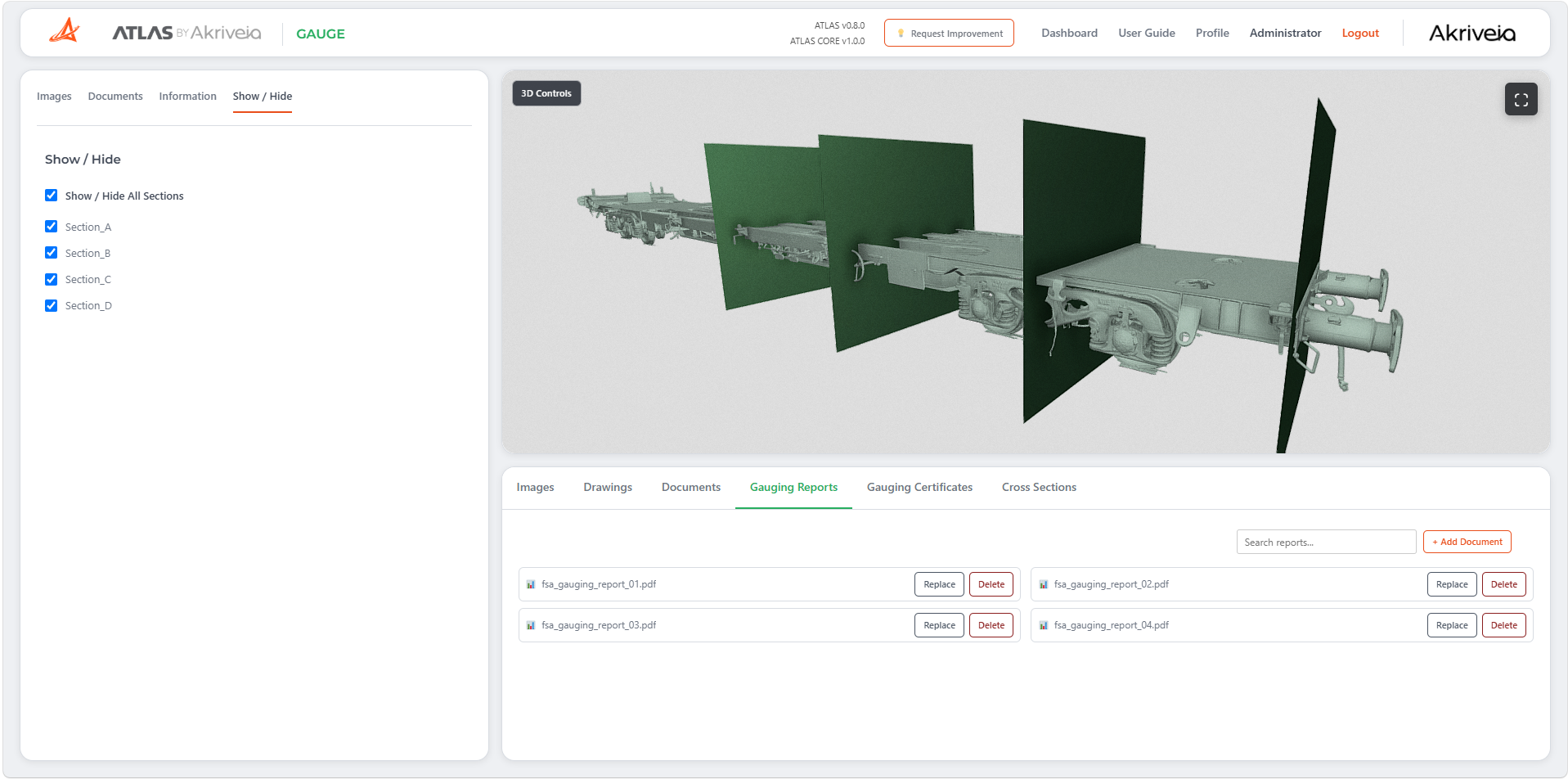
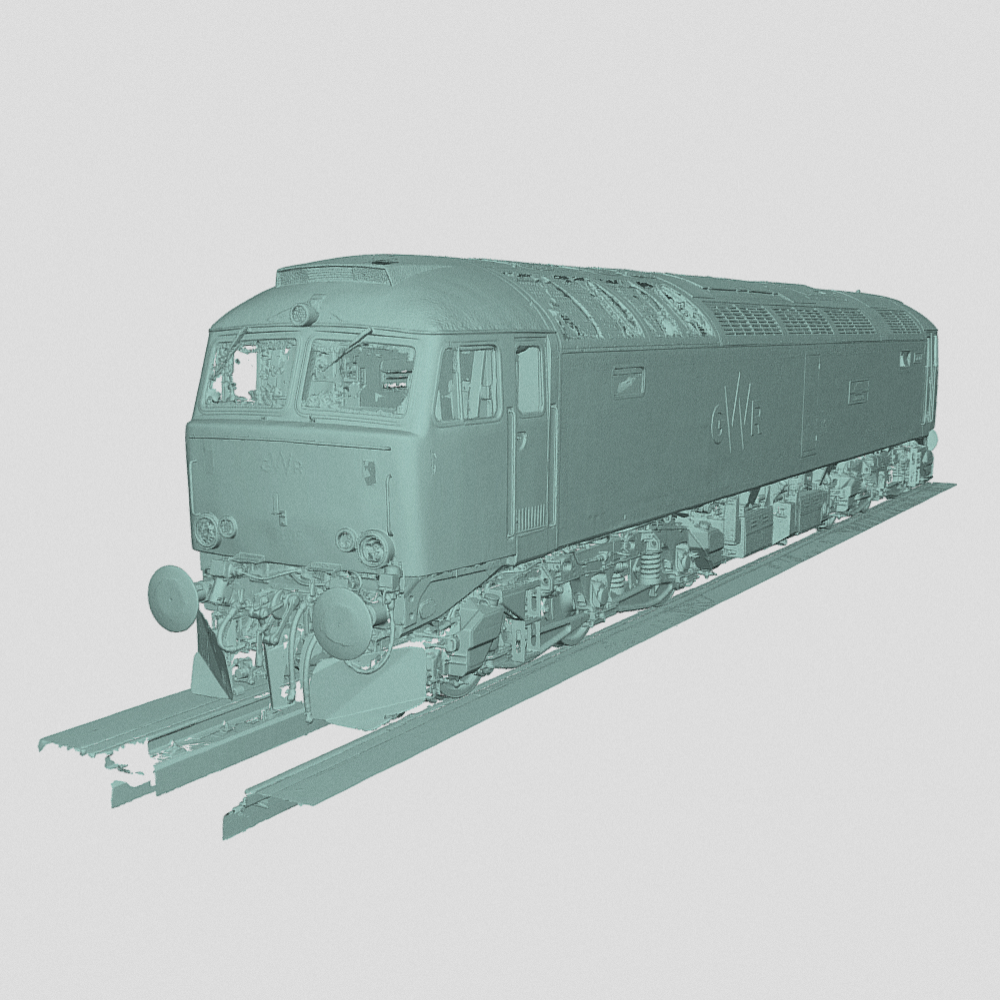
3D Gauging Survey
Explore the vehicle’s 3D survey in your browser, with controls to show or hide section planes and view the model from different angles.
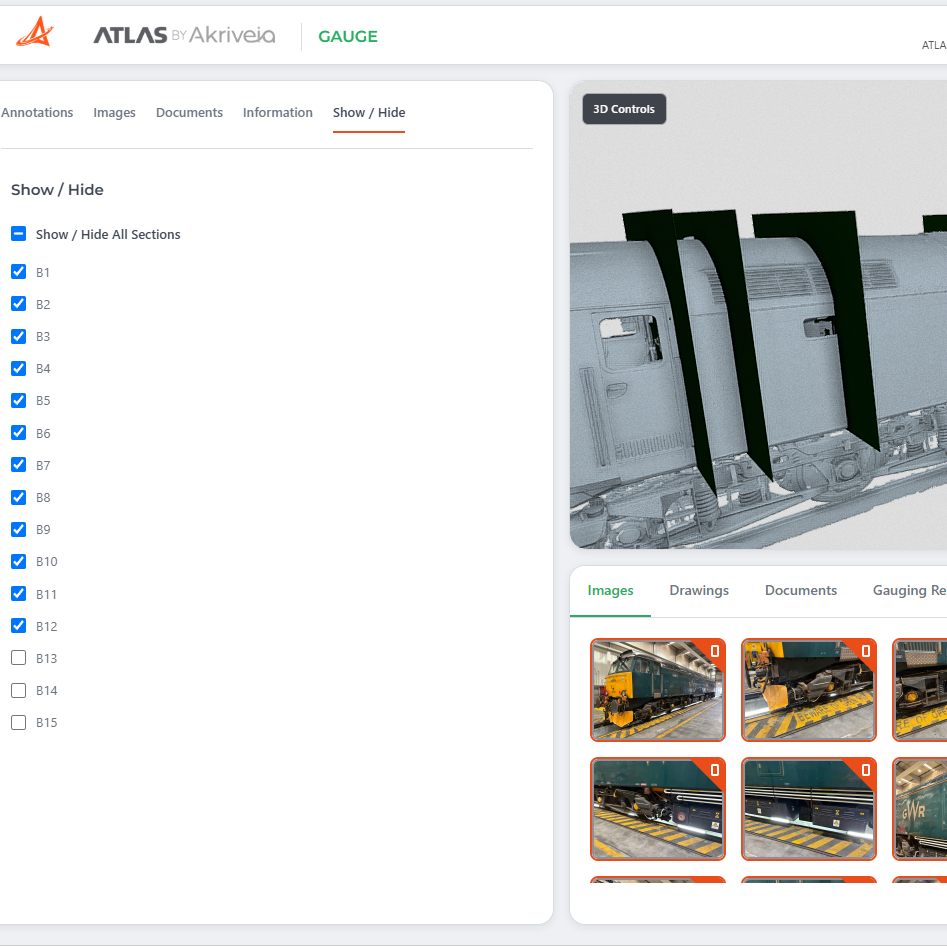
Cross Sections & Images
View section locations in the scan and review supporting photographs to understand the vehicle and the areas being assessed.
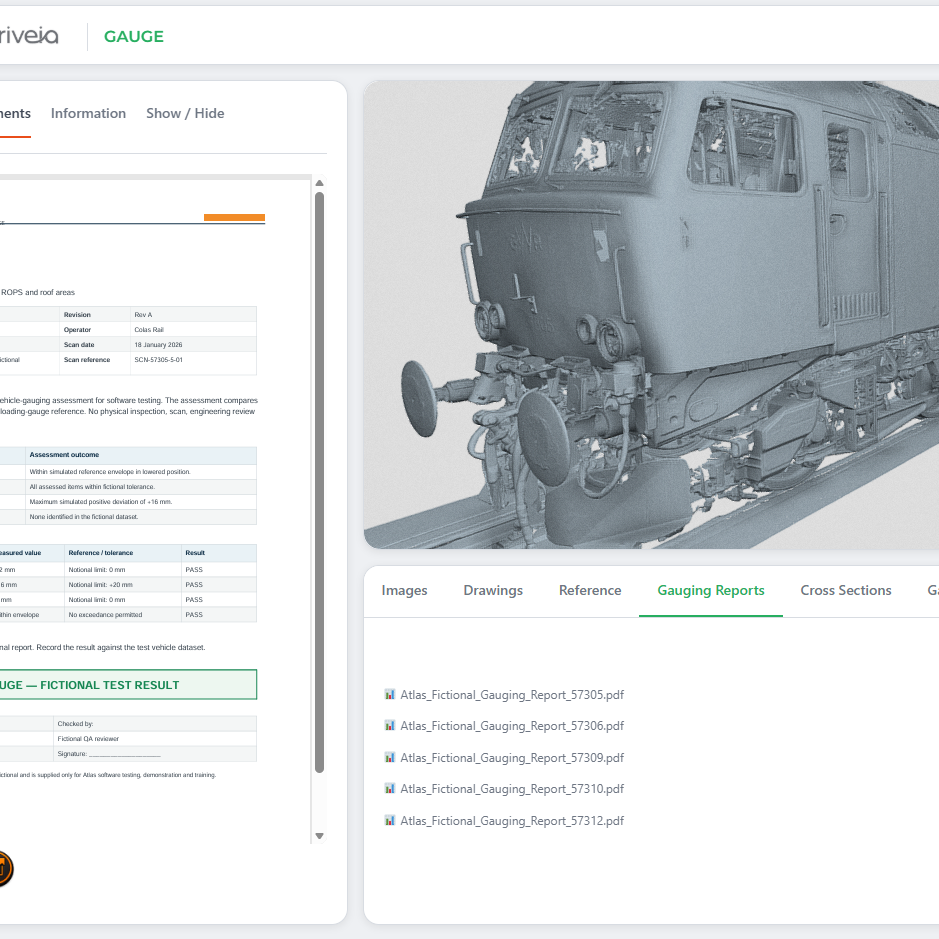
Gauging Reports
Open the gauging reports associated with the vehicle alongside its 3D survey, keeping the assessment documents within easy reach.
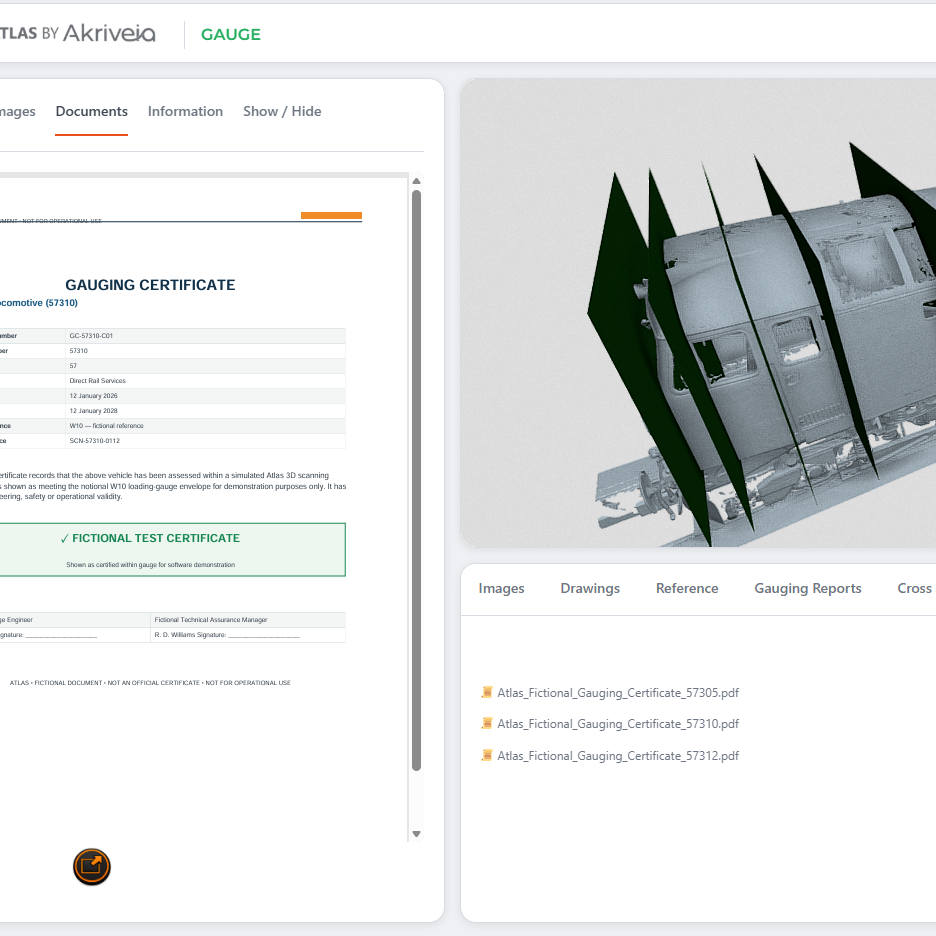
Gauging Certificates
Access the gauging certificates stored against the vehicle, keeping supporting certification together with its survey and reports.
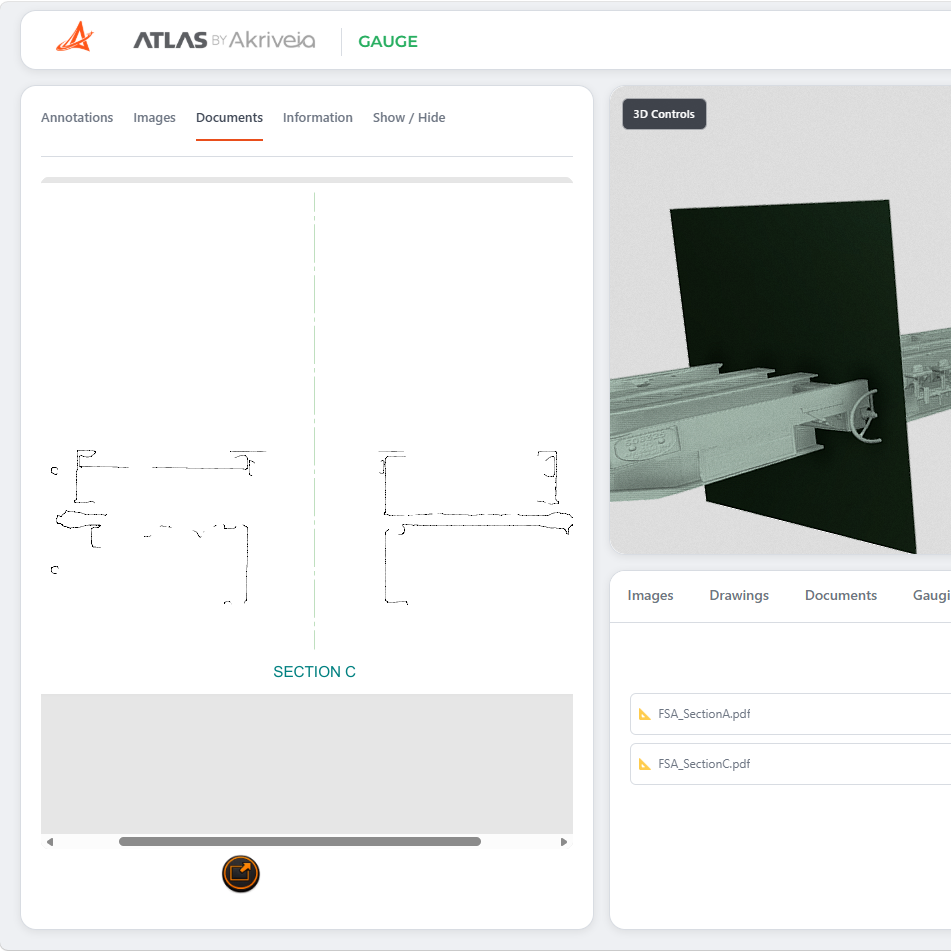
Cross-section Documents
Open the cross-section documents associated with the survey and review the section profiles alongside the vehicle model.
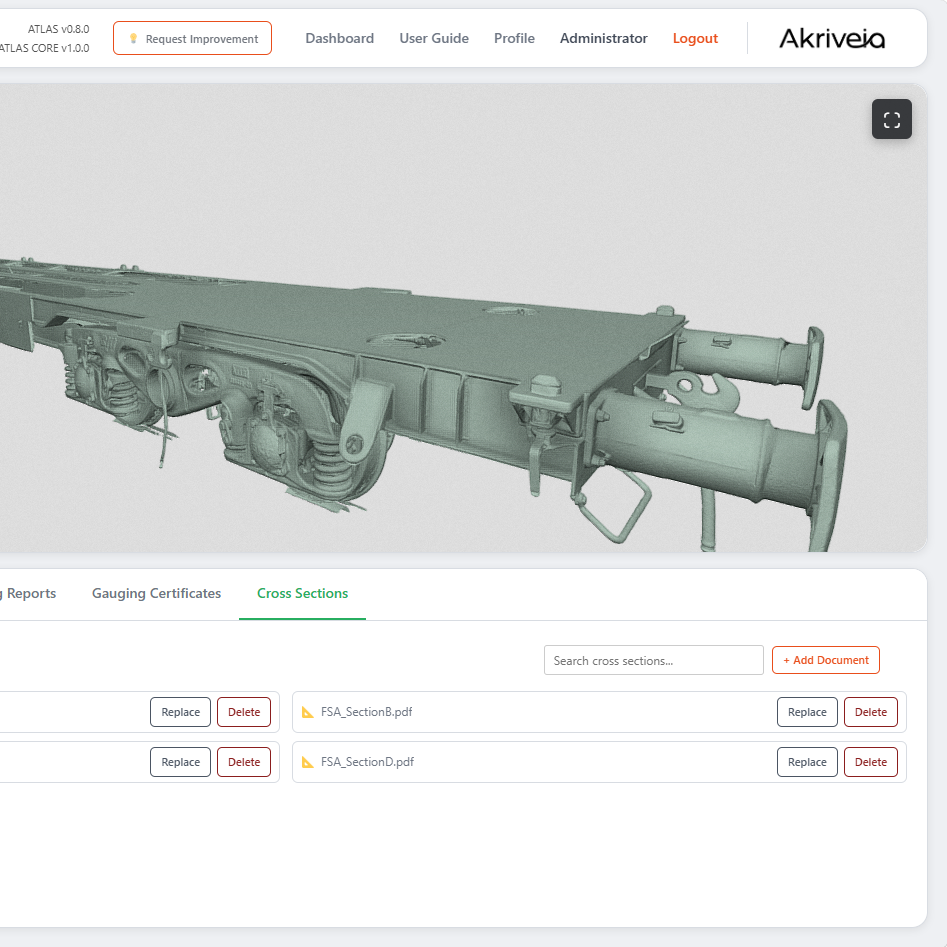
Search & Manage
Search the document list to find the required file. Managers can add, replace or delete supporting images and documents as information changes.
One vehicle.
A connected gauging record.
Bring the survey and the information supporting it into the same workspace. Move from the vehicle’s 3D geometry to its section profiles, photographs, drawings, reports and certificates.
Cross sections
See where section planes sit within the survey and review the associated section profiles.
Images & drawings
Use photographs, drawings and reference documents to understand the vehicle and its details.
Gauging reports
Keep the reports associated with the vehicle close to the survey and supporting information.
Gauging certificates
Access the certificates stored against the vehicle as part of its connected gauging record.
Turn gauging data into an accessible engineering record.
Discover how ATLAS Gauge brings your vehicle surveys, cross sections and supporting documents into one searchable engineering reference.