


Engineering information.Connected to
the asset.
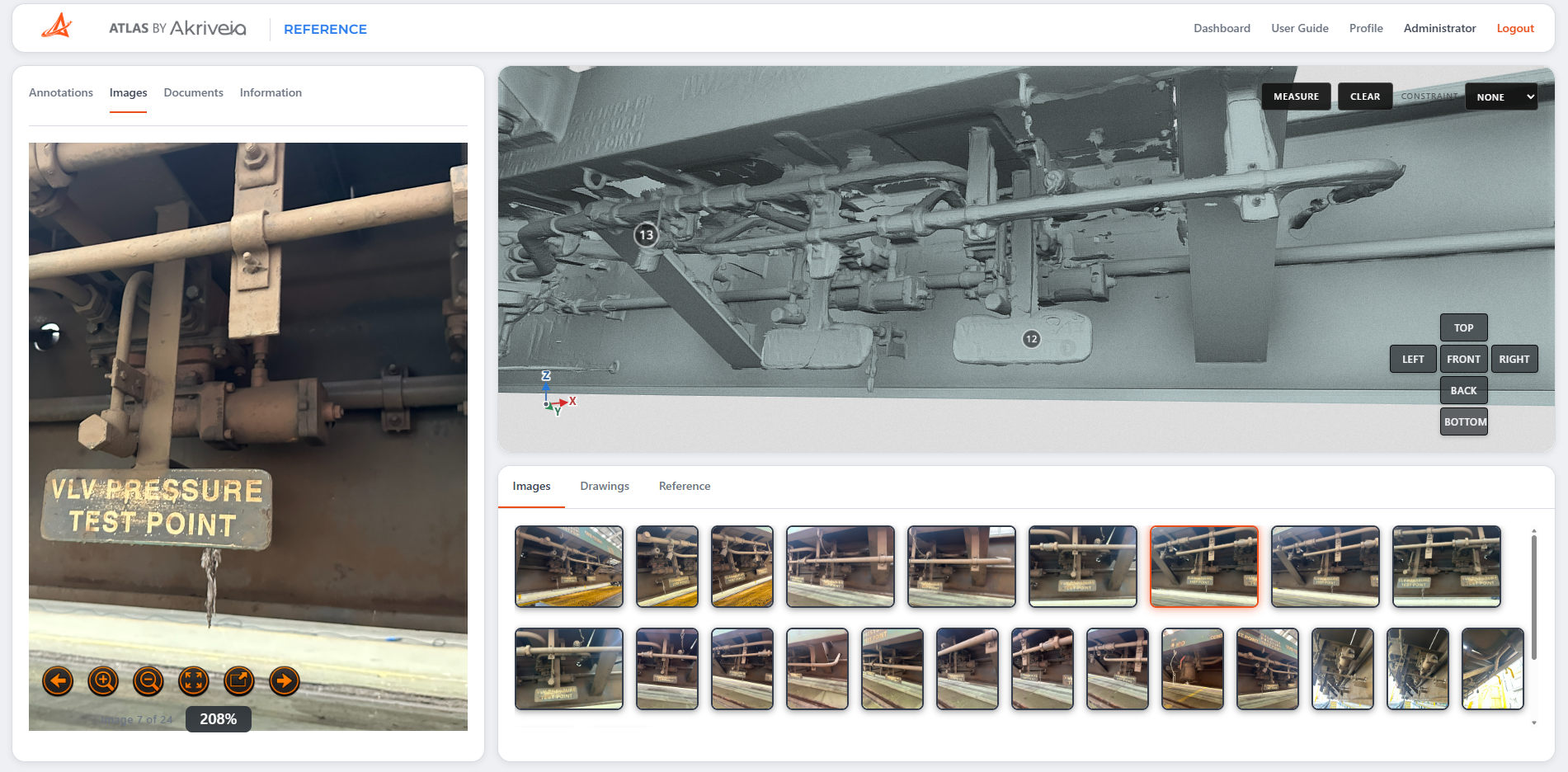
Find drawings, technical documents and photographs through an interactive 3D reference, with information linked to the components and locations it describes.
Everything connected
to the asset.
Select a location on the digital asset and explore its drawings, reference documents and photographs in one connected workspace.
3D Digital Twin
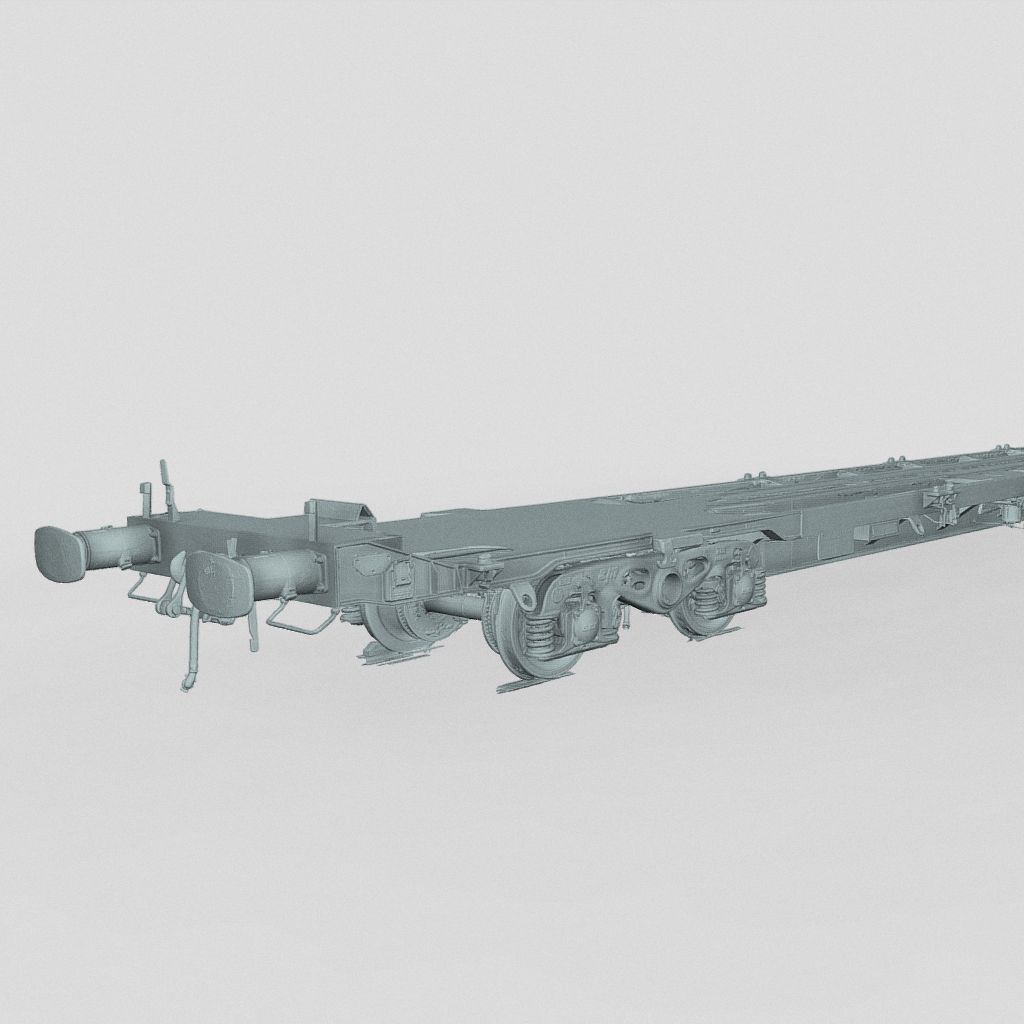
Navigate around the scanned asset in your browser and view components and locations in their physical context.
Annotations & Images
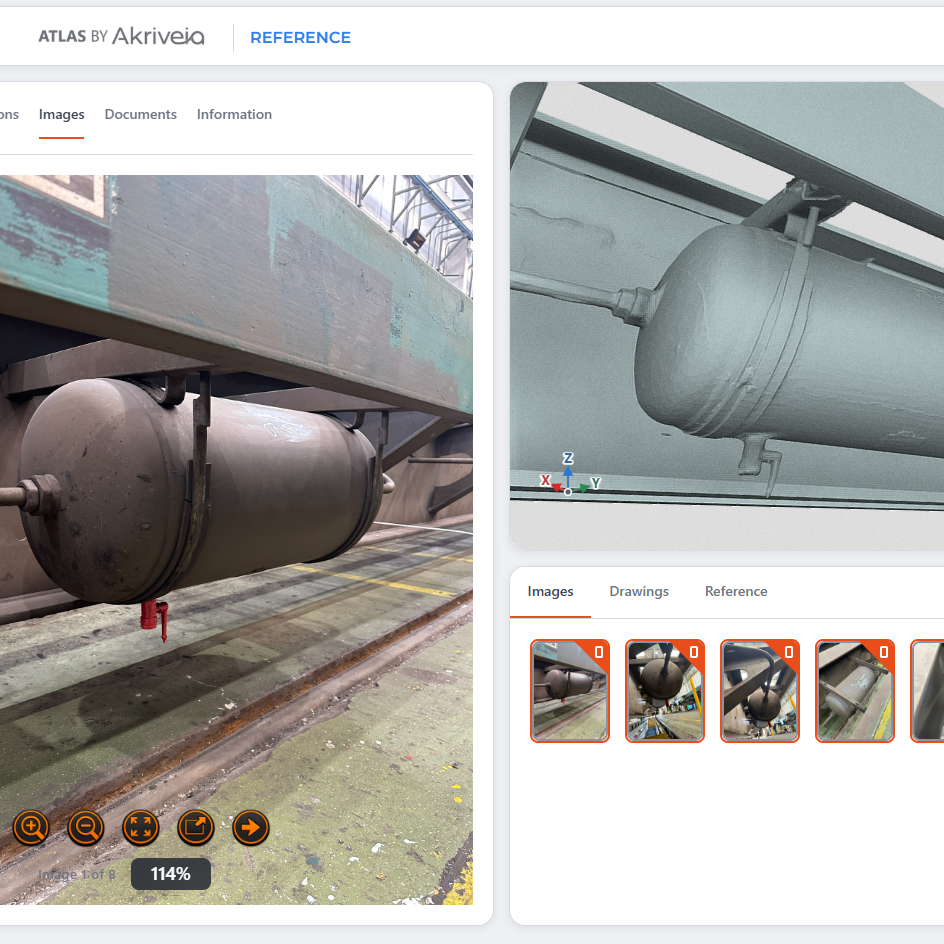
Select an annotated location to access supporting photographs and see the component or area of interest in more detail.
Drawings in Context
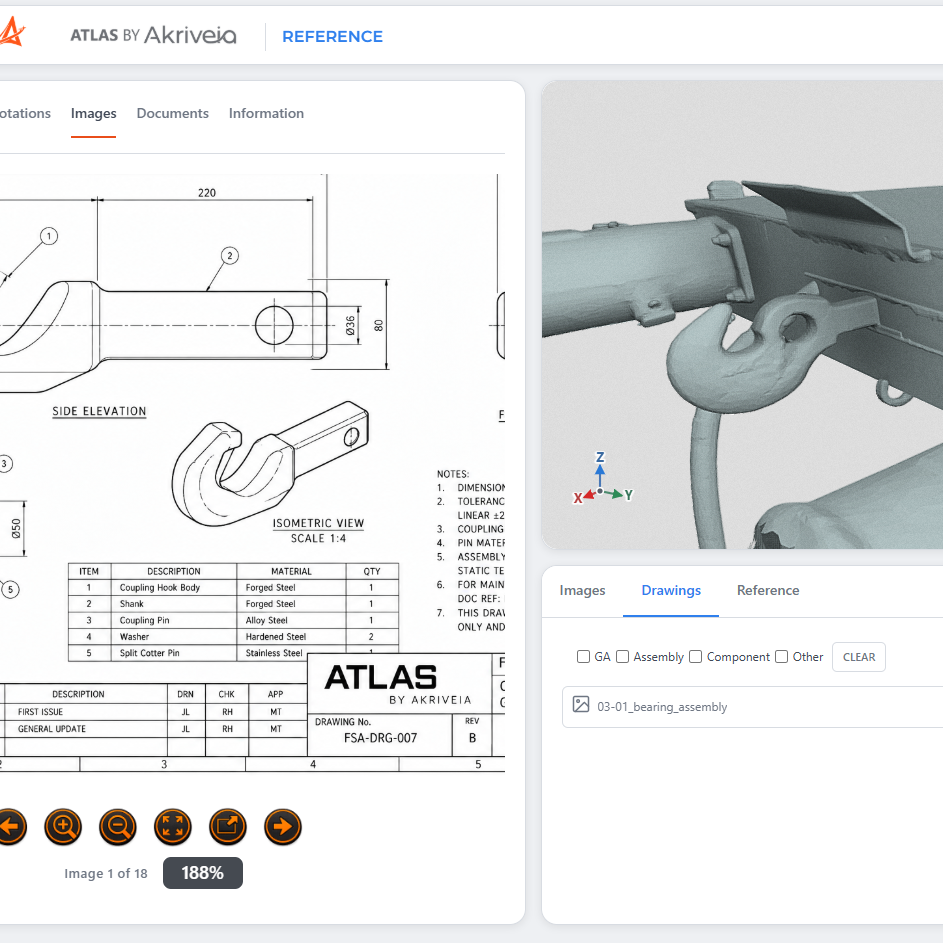
View drawings alongside the relevant component, with filters for GA, Assembly, Component and Other drawing types.
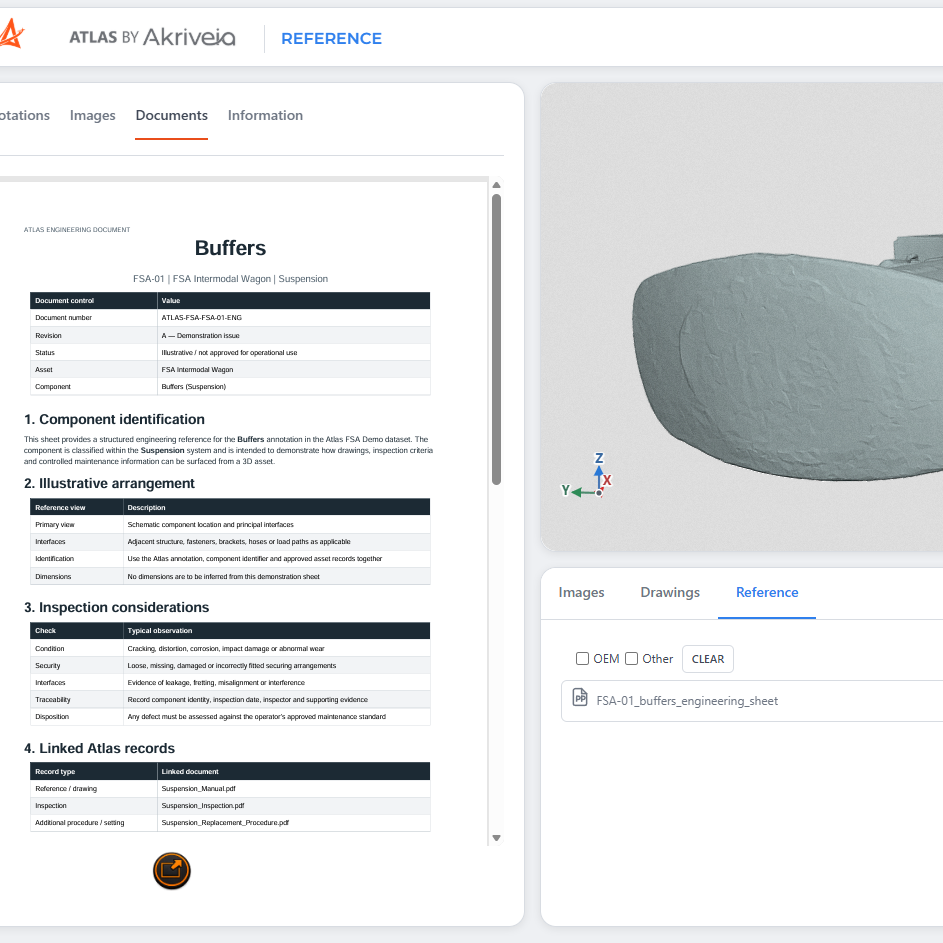
Reference Documents
Open manuals, specifications and engineering reference PDFs alongside the asset, with OEM and Other document filters.
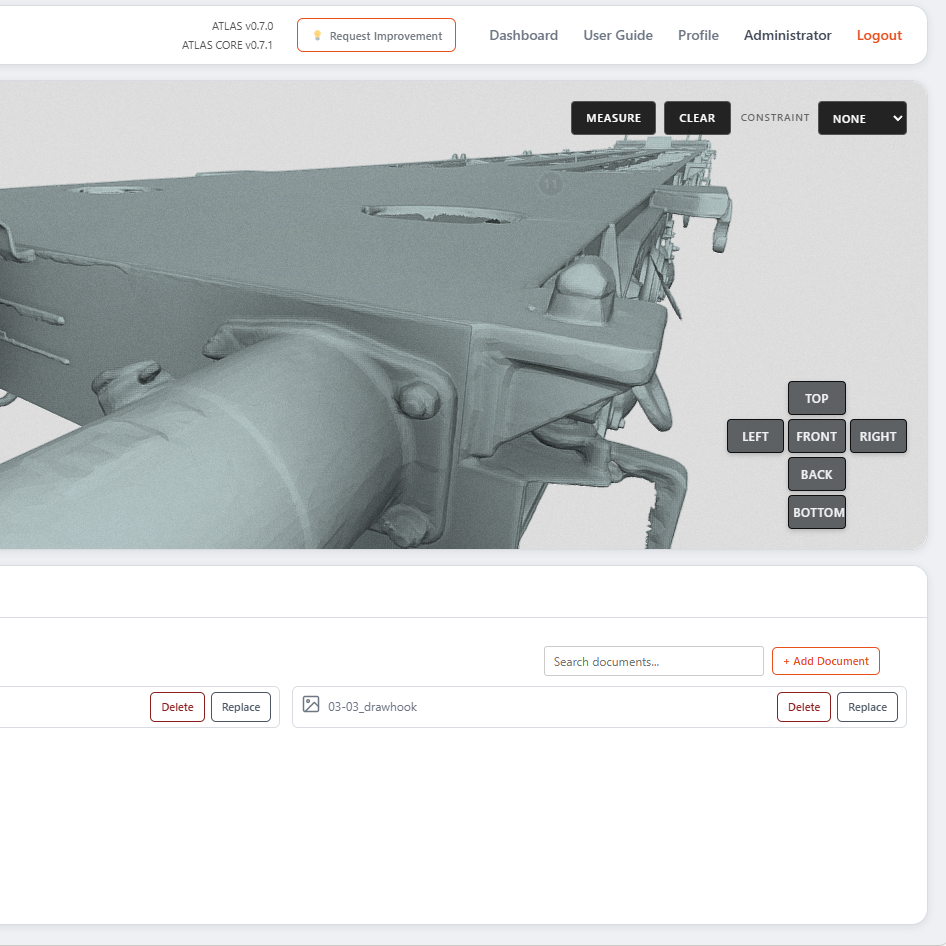
Search & Manage
Search document titles to narrow the list. Managers can replace or delete supporting documents when information changes.
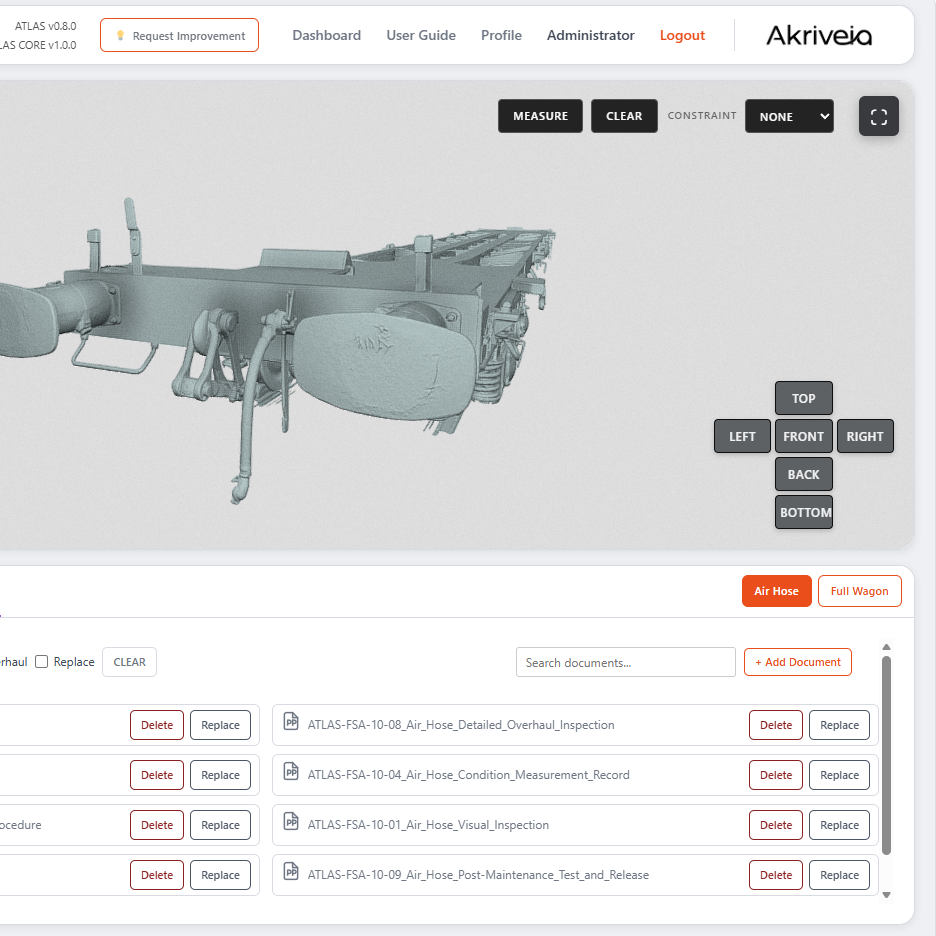
Add Supporting Documents
Managers can upload reference PDFs to the selected annotation and classify their source as OEM or Other.
Drawings and specifications.
One scan away.
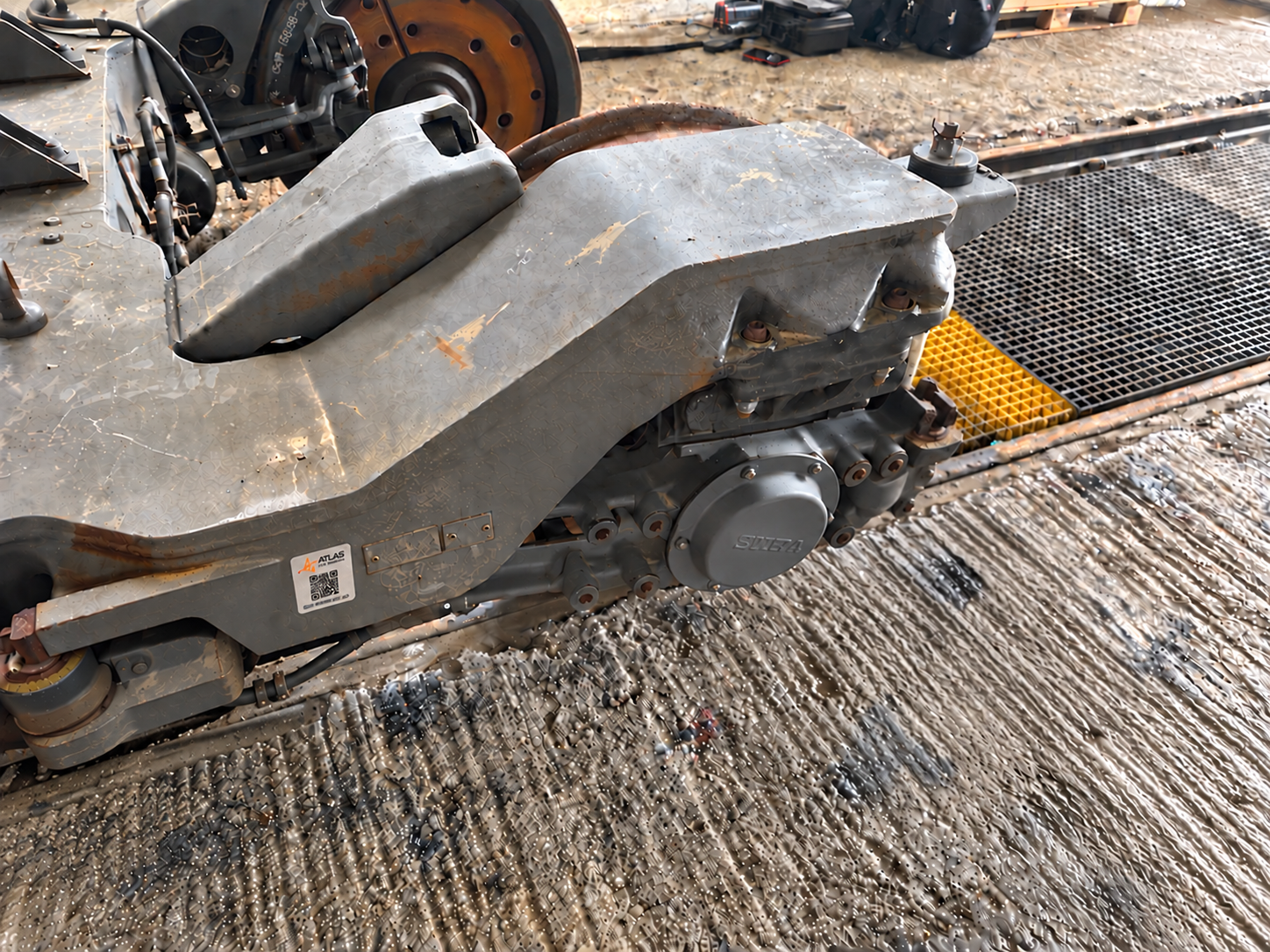
Scan the QR code on an asset to quickly access its drawings, specifications and technical reference documents in ATLAS. Give engineering and workshop teams a direct route to the information associated with the vehicle or component in front of them.
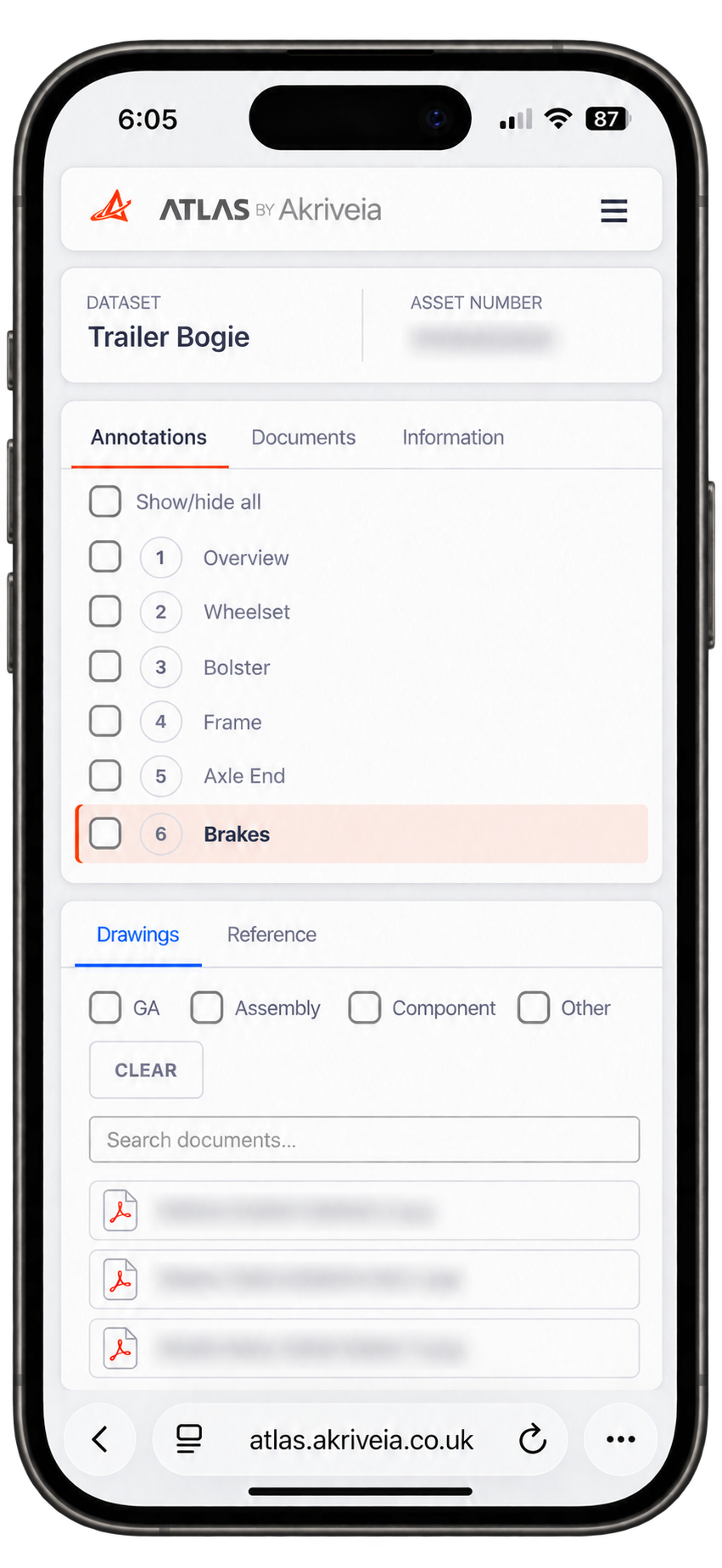
ready at the point of work.
Technical information. Close at hand.
Reference Workshop is a standalone module which gives shopfloor teams focused access to the drawings, specifications and reference documents associated with an asset. Open the asset from its QR code, select the relevant component and find the information the task requires.
By removing the 3D viewer and image galleries, Reference Workshop reduces the amount of data loaded, helping users reach the documents faster while retaining the component structure, search and document filters.
Reference Workshop is included with all full licences of ATLAS Reference.
Identify the asset
Use your phone camera to scan the ATLAS QR label on the vehicle or component. Open the link to go directly to the associated asset.
Access its information
Select a component or location to view the drawings, specifications and reference documents available to your account.
Find the right document
Search document titles and filter drawings by GA, Assembly or Component. Filter reference documents to narrow your search results.
One connected document collection
Workshop access uses the documents held in ATLAS Reference. When managers add or replace supporting files, teams access the updated information through the same asset link.
Access stays under your control
The QR code provides a route to the asset. Your ATLAS login and account permissions determine which information you can view.
Put engineering information where it belongs.
Discover how ATLAS Reference helps your teams find, understand and manage engineering information in the context of the asset.